EasyBar
EasyBar is the customizable full-width macOS top-bar frontend. It combines native SwiftUI built-ins with the shared EasyBarKit Lua runtime and package system.
Use EasyBar when you want:
- one managed full-width bar surface;
- left, center, and right layout regions;
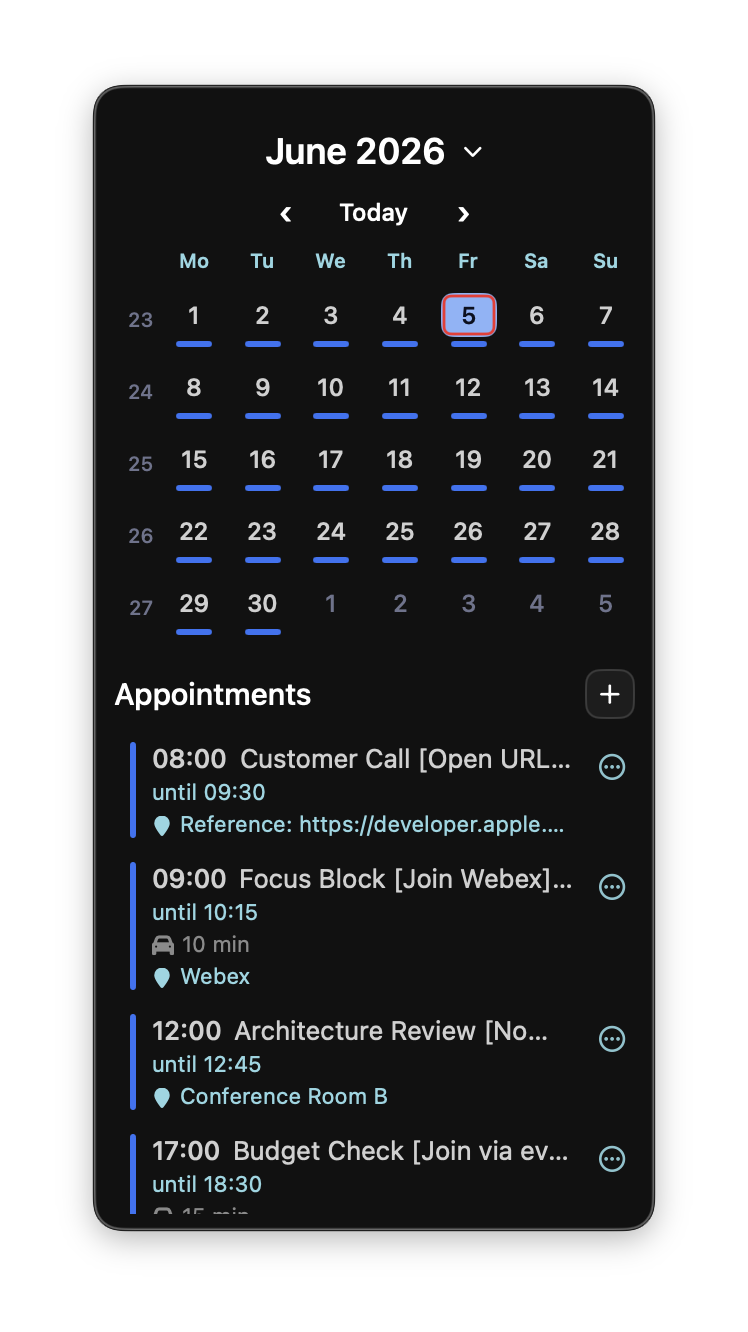
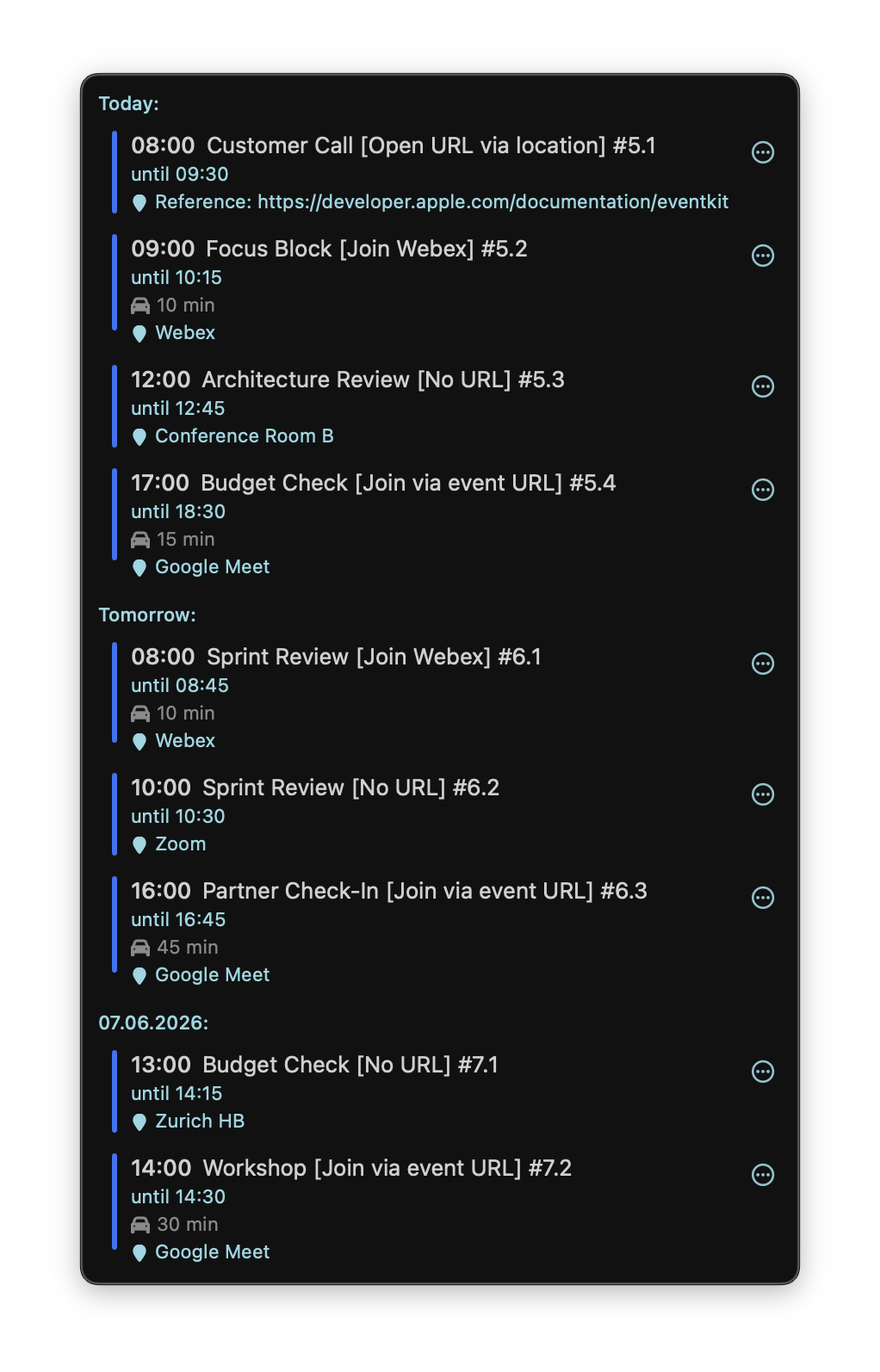
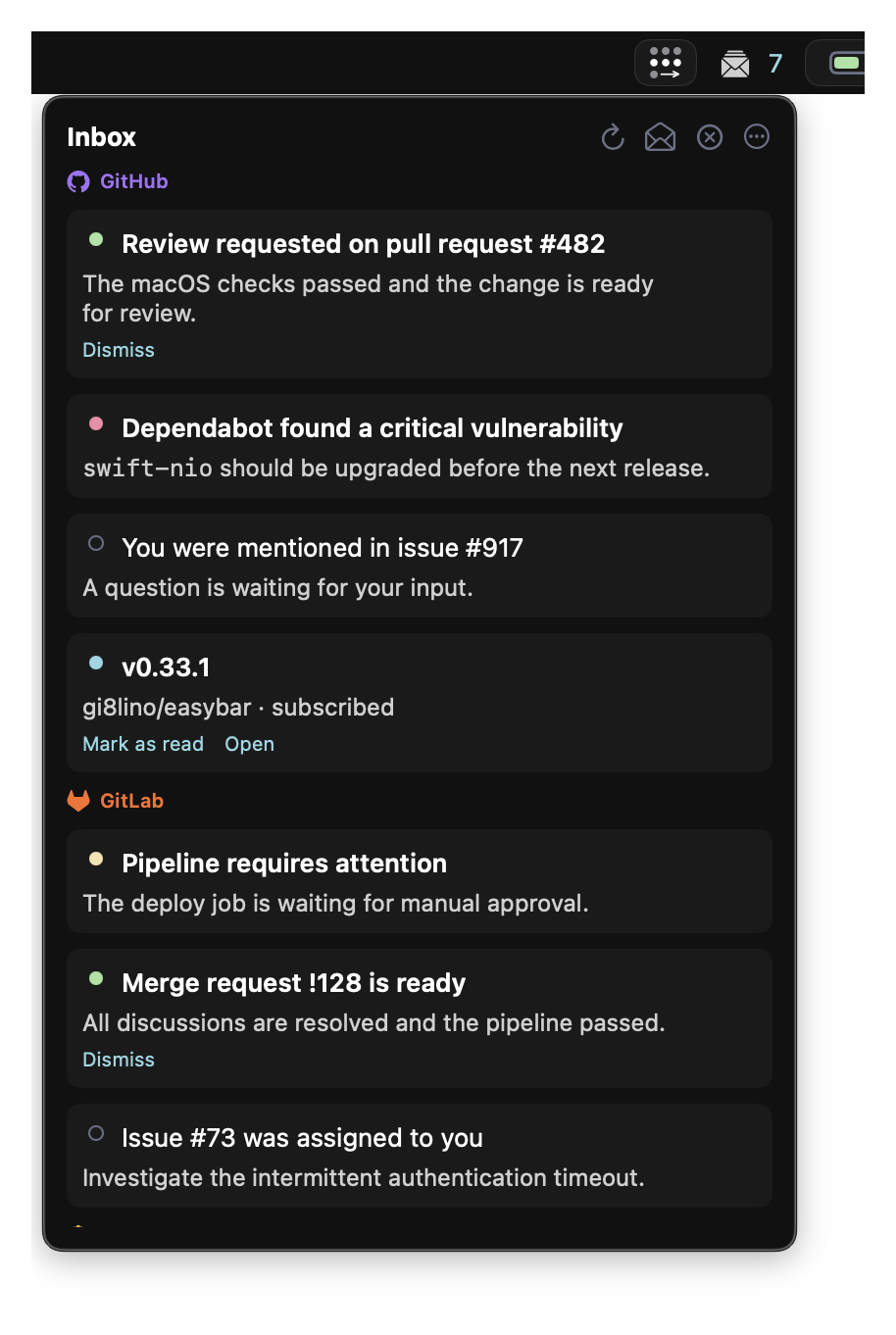
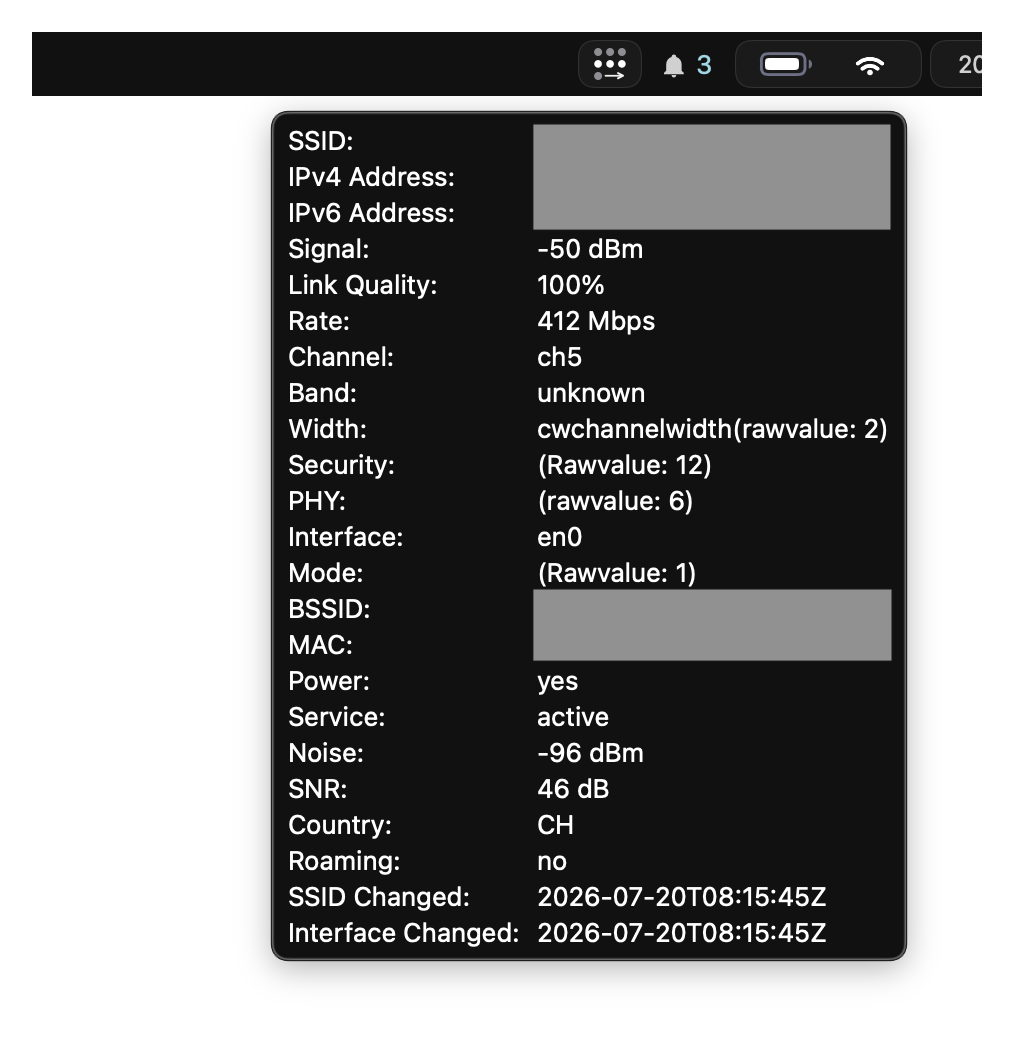
- native built-ins such as Spaces, battery, Wi-Fi, calendar, volume, CPU, and Inbox;
- native groups, themes, and bar-level appearance control;
- the Calendar and Network helper agents for permission-sensitive data;
- Lua widgets and Widget Store packages beside the native built-ins.
See EasyBar in action
Default paths
config       ~/.config/easybar/config.toml
widgets      ~/.config/easybar/widgets
packages     ~/.local/share/easybar/packages
editor stub  ~/.local/share/easybar/easybar_api.lua
runtime      ~/.local/state/easybar/runtime
logs         ~/.local/state/easybar/
CLI          easybar
Start here
- Quick Start
- Installation
- Configuration
- Choose Built-ins, Store, Or Lua
- CLI Reference
- Troubleshooting
For the native status-area alternative, see EasyBar Native.